10 Prompt Optimization Tips for Better AI Images
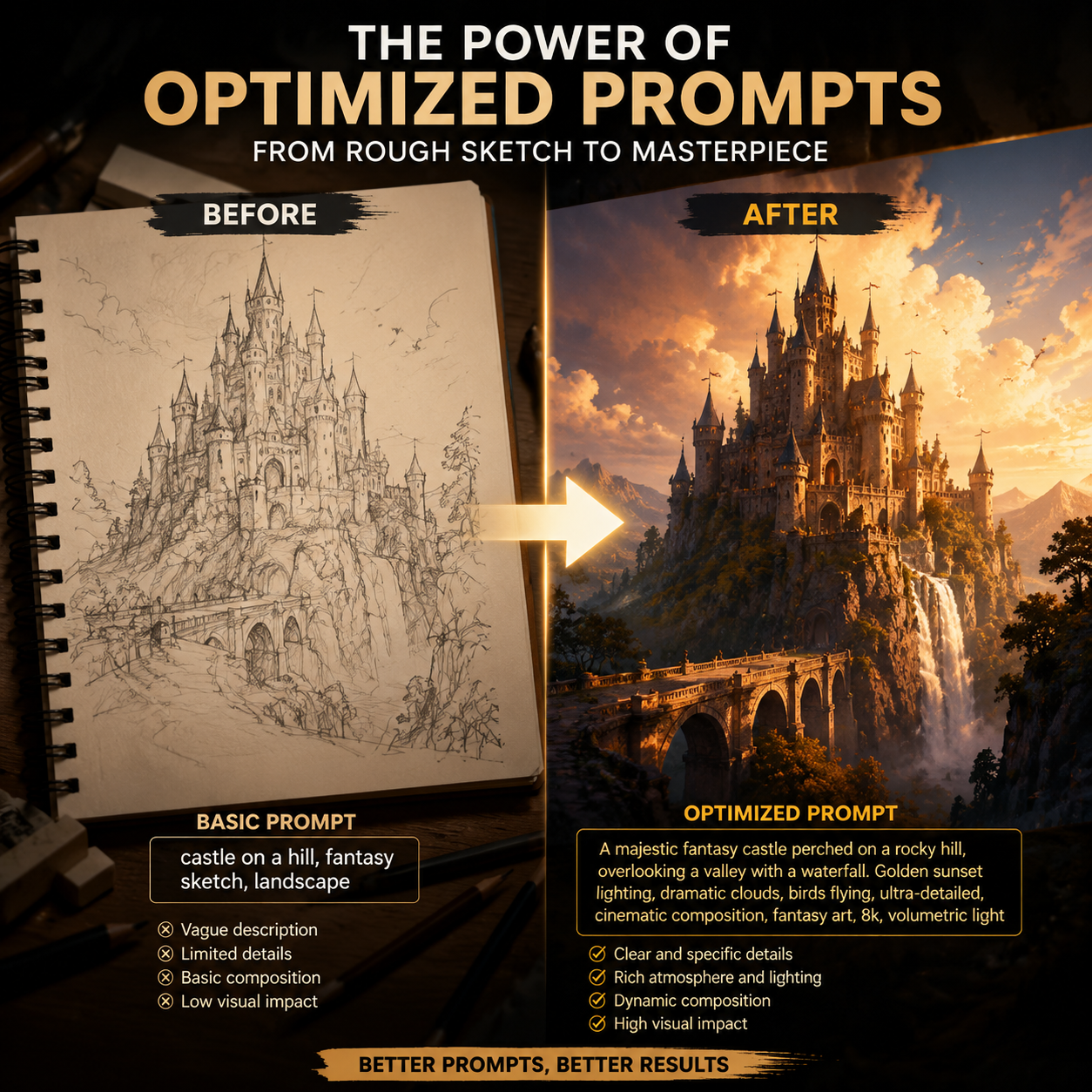
1. Start with the subject
Make the main subject unambiguous. The model should know exactly what the image is about.
2. Add context
Describe the scene, environment and use case. “Product photo for a skincare ad” is more helpful than “nice product image.”
3. Control lighting
Lighting changes the entire mood. Try soft studio light, golden hour, dramatic backlight, high-key lighting or cinematic shadows.
4. Specify composition
Use phrases like close-up, centered composition, wide shot, top-down view or rule-of-thirds framing.
5. Use references when needed
Reference images are useful for product identity, color direction and composition.
6. Avoid conflicting styles
Do not combine too many unrelated styles. Pick one main direction.
7. Add output intent
Tell the model if the result is for a cover, product listing, ad creative, poster or video keyframe.
8. Iterate gradually
Change one part of the prompt at a time so you know what improved the output.
9. Save strong prompts
Build a prompt library for repeatable work.
10. Review before publishing
Always check details, text, logos and product accuracy before using AI images commercially.