Ecommerce Guide
How to Batch Generate Ecommerce Image Sets with AI
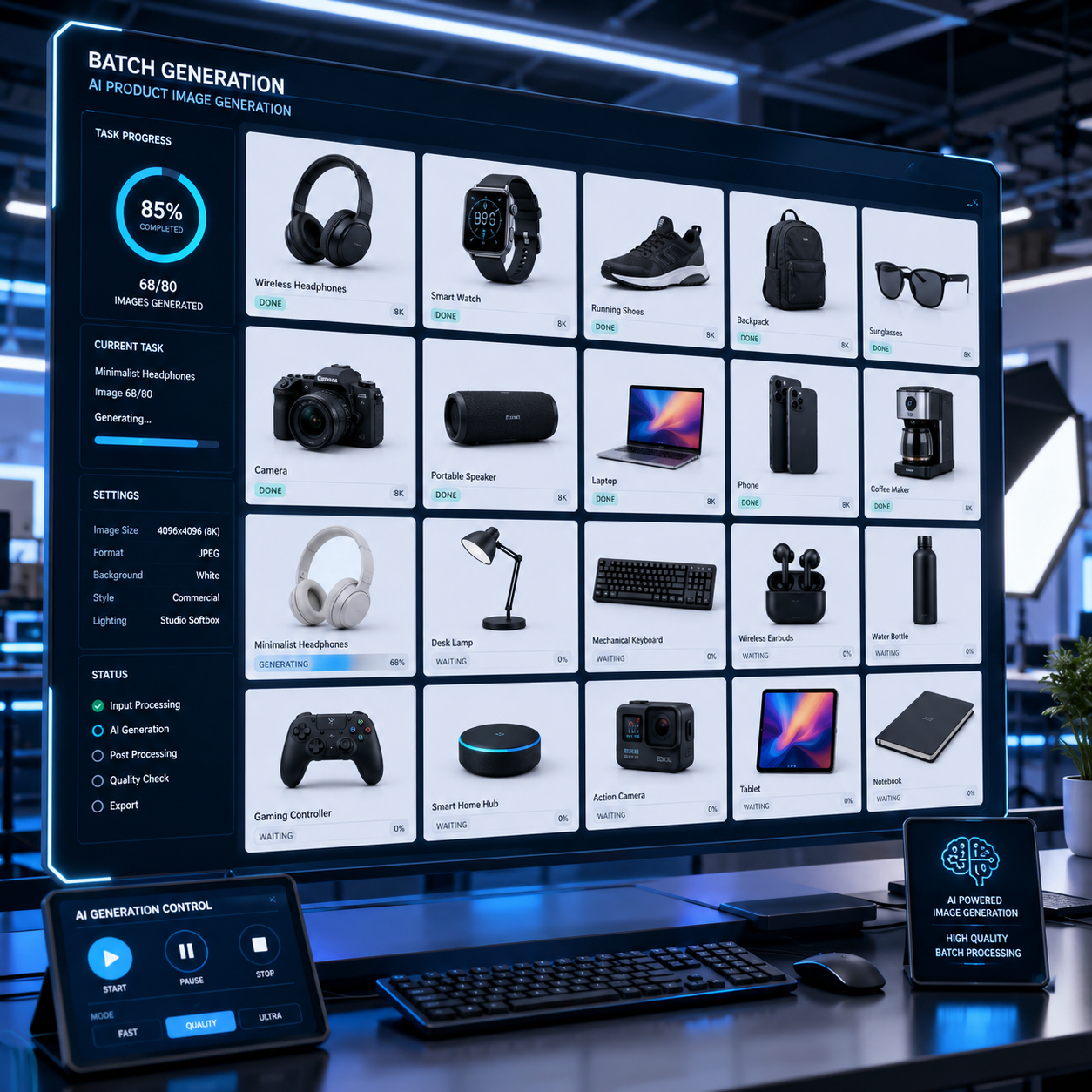
Why batch generation helps ecommerce teams
Generating one image at a time is slow when you manage many SKUs. Batch generation lets you prepare multiple prompts and submit them together.
This is useful for product launches, seasonal campaigns and catalog refreshes.
Batch workflow
- Group products by category or visual style.
- Create a prompt template for each image type.
- Add product-specific details such as color, material and key selling point.
- Generate the batch.
- Review outputs, download winners and rerun only weak results.
Keep prompts structured
Use a repeatable template:
[product] in [scene], [lighting], [style], [platform use], [quality details]
Quality control
Check product shape, text, logo accuracy, material and color. If exact product fidelity is required, use reference images and keep a human review step before publishing.